MY TINKERING
Tiny Times Games
A suite of age-appropriate word, puzzle, and trivia games built for a kid who just wants to play alongside the grown-ups.
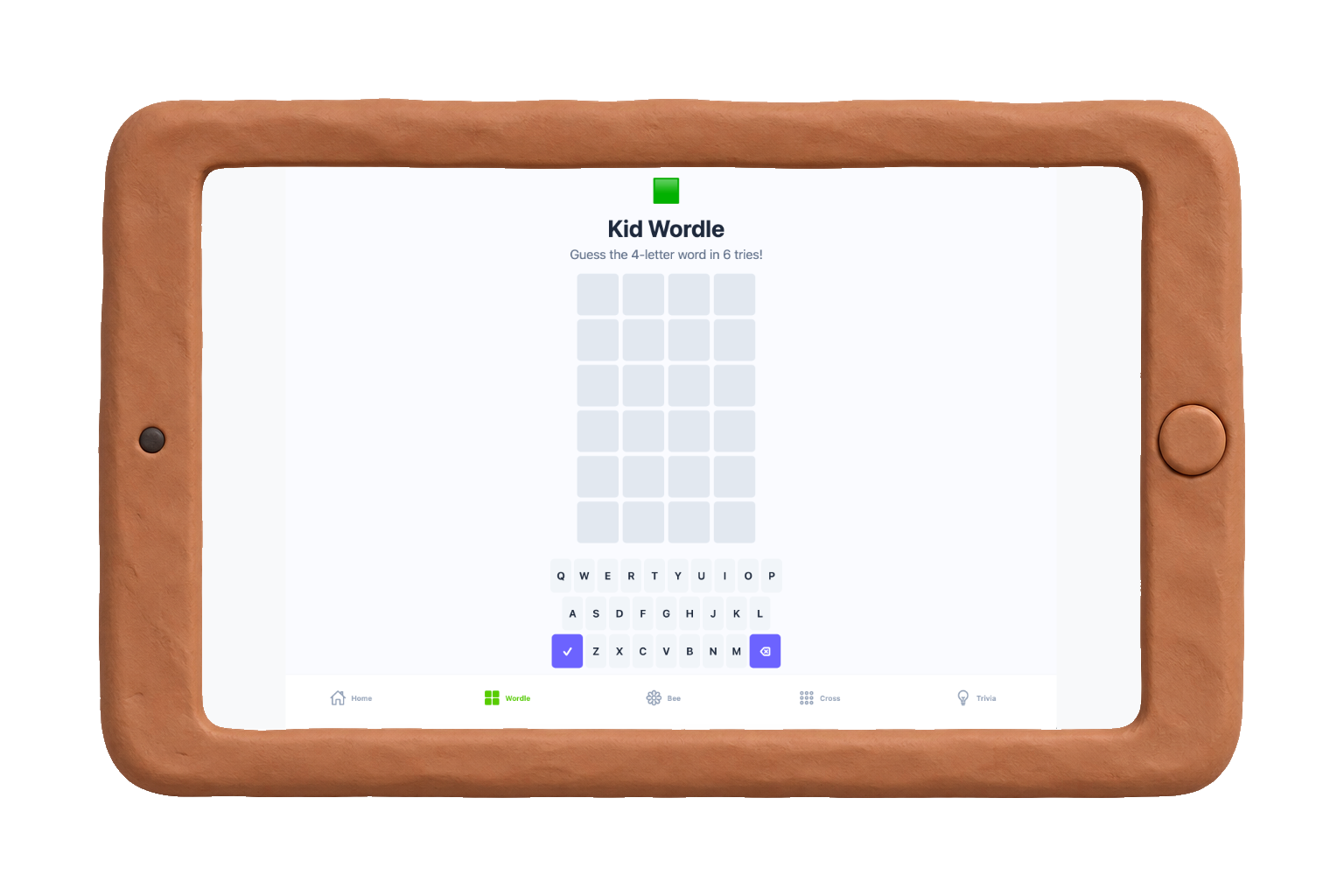
Four games, scaled to fit
Word guess
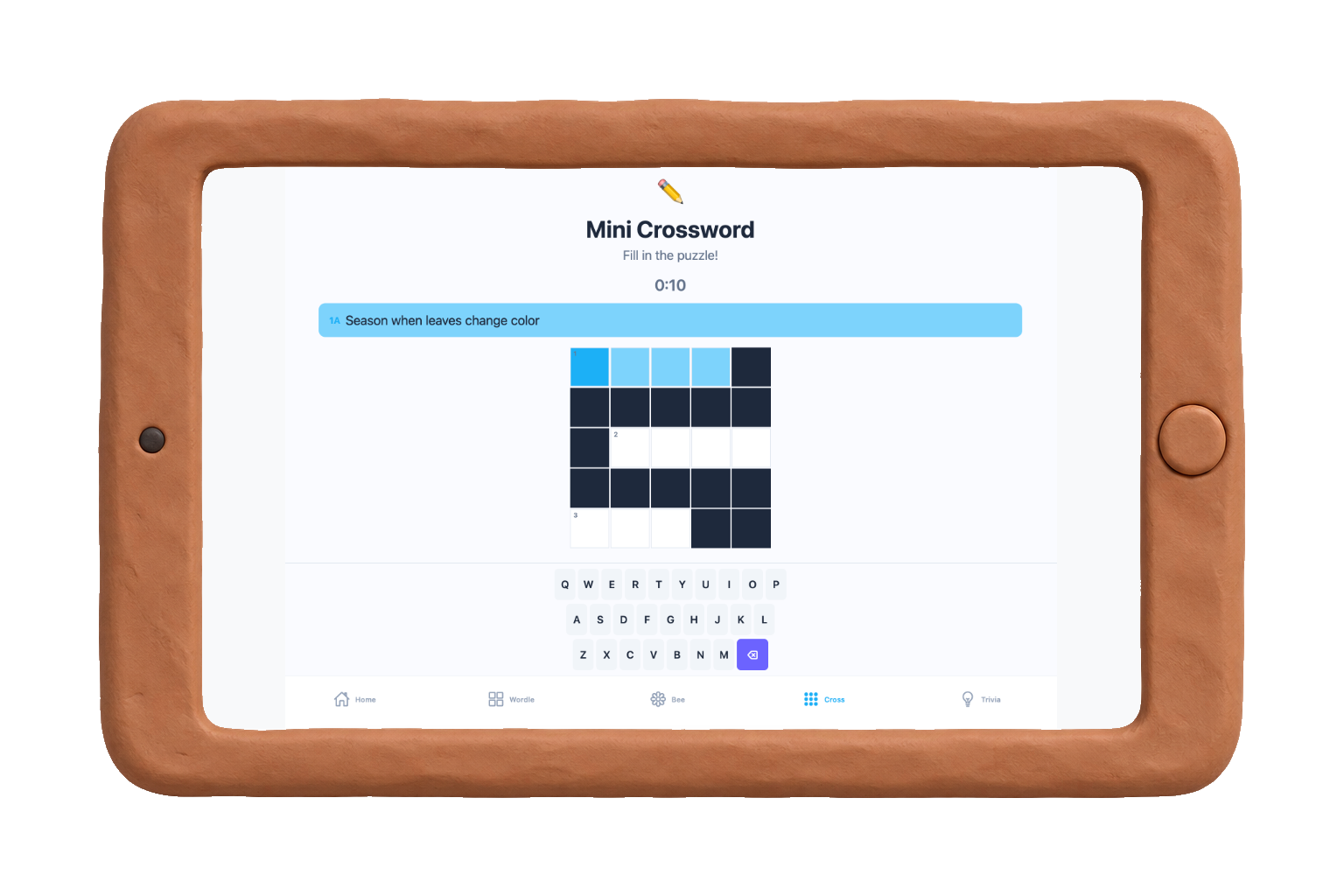
Mini crossword
Spelling bee
Trivia
The problem
My son is almost seven, and he loves games. He'd watch my husband and me play Wordle, the Mini Crossword, Spelling Bee, and he wanted in. Not to be babysat with a tablet, but to actually play.
The problem was the vocabulary. The words were too hard, the clues assumed too much. He'd get frustrated, not with the game, but with himself. He wanted to be capable, not just included.
That's not a kid problem. That's an access problem.
He wanted to be capable, not just included.
The parallel
Accessibility is a core part of my work, and I keep coming back to a simple idea: it is really about inclusion. People should be able to participate in the things that matter to them. The barrier can be technological, physical, or cognitive.
In my son's case, his brain is just not at the same developmental stage as mine and my husband's. That's not a flaw. That's just where he is. And he still deserves to play.
The build
React using GitHub Copilot CLI, with a similar collaborative rhythm to how I built my leadership OS. Every game uses age-appropriate vocabulary.
It lives on his iPad as a PWA. No App Store required.
Why it matters beyond the app
Good design starts with knowing your user, and the best way to know your user is to care about them. Sometimes that user is a developer with a screen reader. Sometimes it's your kid, who just wants to feel like he can do the thing the grown-ups do.
BUILT WITH
- React
- TypeScript
- GitHub Copilot CLI
- PWA